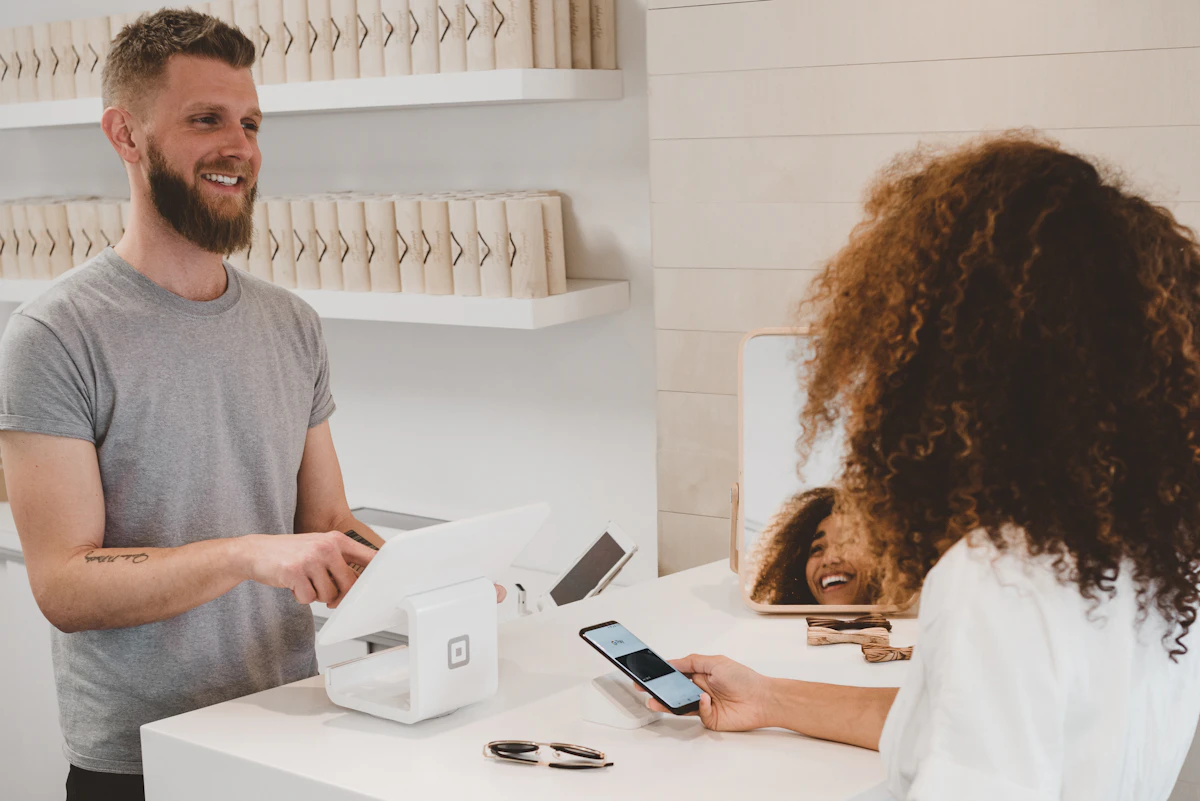
Modern restaurant billing has moved from paper bills to smart apps that do much more than just generate invoices
If you run a restaurant in India, you've probably searched for "restaurant billing app" at some point. Maybe your current process involves scribbling orders on paper, manually calculating totals, and hoping you don't mess up the GST math.
Or maybe you already have a basic billing setup but it's slow, unreliable, or doesn't give you the data you need to grow your business.
Either way, choosing the right billing app can genuinely transform how your restaurant operates. Here's everything you need to know.
What Exactly Is a Restaurant Billing App?
A restaurant billing app is software that handles the financial transaction between your restaurant and your customer. At its simplest, it:
- Creates itemized bills with prices, taxes, and discounts
- Calculates GST automatically (5% for non-AC restaurants, 18% for AC restaurants in India)
- Generates receipts (printed or digital)
- Records every transaction for accounting
But in 2026, a good billing app does much more than just billing. It's the command center of your restaurant.
Billing App vs POS System: What's the Difference?
This is the most common confusion. Here's the simple answer:
Billing App
Focused on creating bills, calculating taxes, and processing payments. Think of it as a smart calculator that also keeps records.
Best for: Small restaurants, single-table dhabas, takeaway counters
POS System
Billing + inventory management + staff management + analytics + online ordering + delivery integration + loyalty programs. It's the complete operating system.
Best for: Restaurants that want to grow, multi-table setups, chains
The trend in 2026: The line between billing apps and POS systems is blurring. Most modern billing apps now include inventory, reporting, and basic staff management. Solutions like DineOpen's billing software give you POS-level features at billing-app pricing.
7 Features Every Restaurant Billing App Must Have
1. GST-Compliant Invoice Generation
Non-negotiable for Indian restaurants. Your billing app must auto-calculate GST (CGST + SGST for local, IGST for inter-state), generate GST-compliant invoices with your GSTIN, and produce reports ready for filing. If you're doing this manually, you're wasting hours every month and risking errors that could trigger GST notices.
2. Multi-Payment Support
Customers pay in different ways — cash, UPI (Google Pay, PhonePe, Paytm), cards, even split payments. Your billing app should handle all of these seamlessly and record each payment method separately for reconciliation.
3. Menu Management
You should be able to add items, set prices, create categories, define variants (half/full, small/medium/large), and apply taxes per item. Changes should reflect immediately on the billing screen without restarting anything.
4. Daily Sales Reports
At minimum, you need: total sales, total orders, average order value, payment method breakup, and item-wise sales. Good billing apps generate these automatically at day-end and send them to your phone.
5. Discount & Coupon Management
Flat discounts, percentage discounts, happy hour pricing, Zomato Gold / Swiggy One discounts — your billing app needs to handle all of these without manual calculation. Staff should be able to apply preset discounts with a single tap.
6. KOT (Kitchen Order Ticket) Integration
When a bill is created, the kitchen needs to know what to prepare. A connected billing app sends orders directly to a kitchen display or printer — no waiters running back and forth with paper slips. This alone reduces order errors by 60-70%.
7. Cloud Backup
If your billing data lives only on one device and that device breaks, you lose everything. Cloud-based billing apps store every transaction online, so even if your tablet crashes during dinner rush, your data is safe and you can resume billing on another device instantly.

Modern billing apps work on tablets, making them affordable and easy to set up for any restaurant size
Best Restaurant Billing Apps in India (2026)
| App | Best For | Starting Price | Key Strength |
|---|---|---|---|
| DineOpen | All restaurant types | ₹899/month | AI-powered, all features included, zero transaction fees |
| Petpooja | Delivery-heavy restaurants | ₹12,000 + taxes (Base plan) | Strong delivery aggregator integration |
| POSist | Large chains | Custom quote | Enterprise features, multi-location |
| Marg ERP | GST-focused billing | ₹4,500/year | Strong accounting and GST compliance |
| Zoho Invoice | Basic billing | Free plan available | Integration with Zoho ecosystem |
How to Set Up a Restaurant Billing App (Step by Step)
Choose your device
Most billing apps run on Android tablets (₹8,000-₹15,000), iPads, or Windows desktops. For small restaurants, a single Android tablet at the counter is enough. For dine-in restaurants with waiters, consider adding a waiter app on phones.
Add your menu
Enter all your menu items with prices, categories, and tax rates. With DineOpen, you can photograph your physical menu and AI extracts all items automatically — takes about 2 minutes.
Configure GST settings
Add your GSTIN, set your tax rates (5% or 18%), and configure whether prices are inclusive or exclusive of tax. The app handles all calculations from here.
Connect printer & payment
Link a thermal receipt printer (₹3,000-₹5,000) for physical bills. Set up UPI QR codes for digital payments. Most apps guide you through this in setup.
Train staff & go live
Show your staff how to create orders, apply discounts, and close bills. With intuitive apps, training takes 15-30 minutes. Run parallel billing (old + new system) for 2-3 days to build confidence.
Common Mistakes to Avoid
Choosing free apps with hidden costs
Some "free" billing apps charge per-transaction fees (1-3% per order). On monthly revenue of ₹5 lakh, that's ₹5,000-₹15,000/month — far more expensive than a ₹899/month paid app with zero transaction fees.
Ignoring offline capability
Internet goes down during dinner rush. If your billing app only works online, you can't create bills. Always choose an app with offline billing that syncs when connectivity returns.
Not checking GST compliance
Ensure the app generates GST-compliant invoices with proper GSTIN formatting, HSN/SAC codes, and GSTR-1 compatible reports. Using non-compliant invoices can result in penalties during GST audits.
Need a billing app that does it all?
DineOpen combines billing, inventory, KOT, analytics, and loyalty in one app. GST-compliant. Zero transaction fees. Try free for 7 days.
Related reads:
Frequently Asked Questions
What is a restaurant billing app?
A restaurant billing app is software that handles order entry, bill generation, GST calculation, payment processing (cash, UPI, card), and receipt printing. Modern billing apps like DineOpen also include KOT generation, table management, inventory tracking, and analytics — making them a complete POS solution rather than just a billing tool.
How much does a restaurant billing app cost in India?
Restaurant billing apps in India range from free (basic features) to ₹2,000-5,000/month for premium solutions. DineOpen keeps pricing simple: plans from ₹899/month with unlimited orders. Most Indian restaurants spend ₹500-1,500/month on billing software.
Is GST billing mandatory for restaurants in India?
Yes, GST billing is mandatory for restaurants with annual turnover exceeding ₹20 lakh (₹10 lakh for special category states). Restaurants must charge 5% GST (without ITC) or 18% GST (with ITC) depending on their registration type. A GST-compliant billing app automatically calculates and applies the correct tax rates on every bill.
Can a billing app work offline without internet?
Yes, apps like DineOpen support offline billing. Orders, KOTs, payments, and receipts all work without internet. Data syncs automatically when connectivity returns. This is essential for Indian restaurants where internet outages during peak hours can disrupt billing and service.
What is the difference between a billing app and a POS system?
A billing app handles invoicing and payment processing. A POS (Point of Sale) system includes billing plus inventory management, kitchen display, table management, customer loyalty, analytics, and delivery integration. DineOpen is a full POS system that includes advanced billing features — so you get both in one platform.
Last updated: March 6, 2026